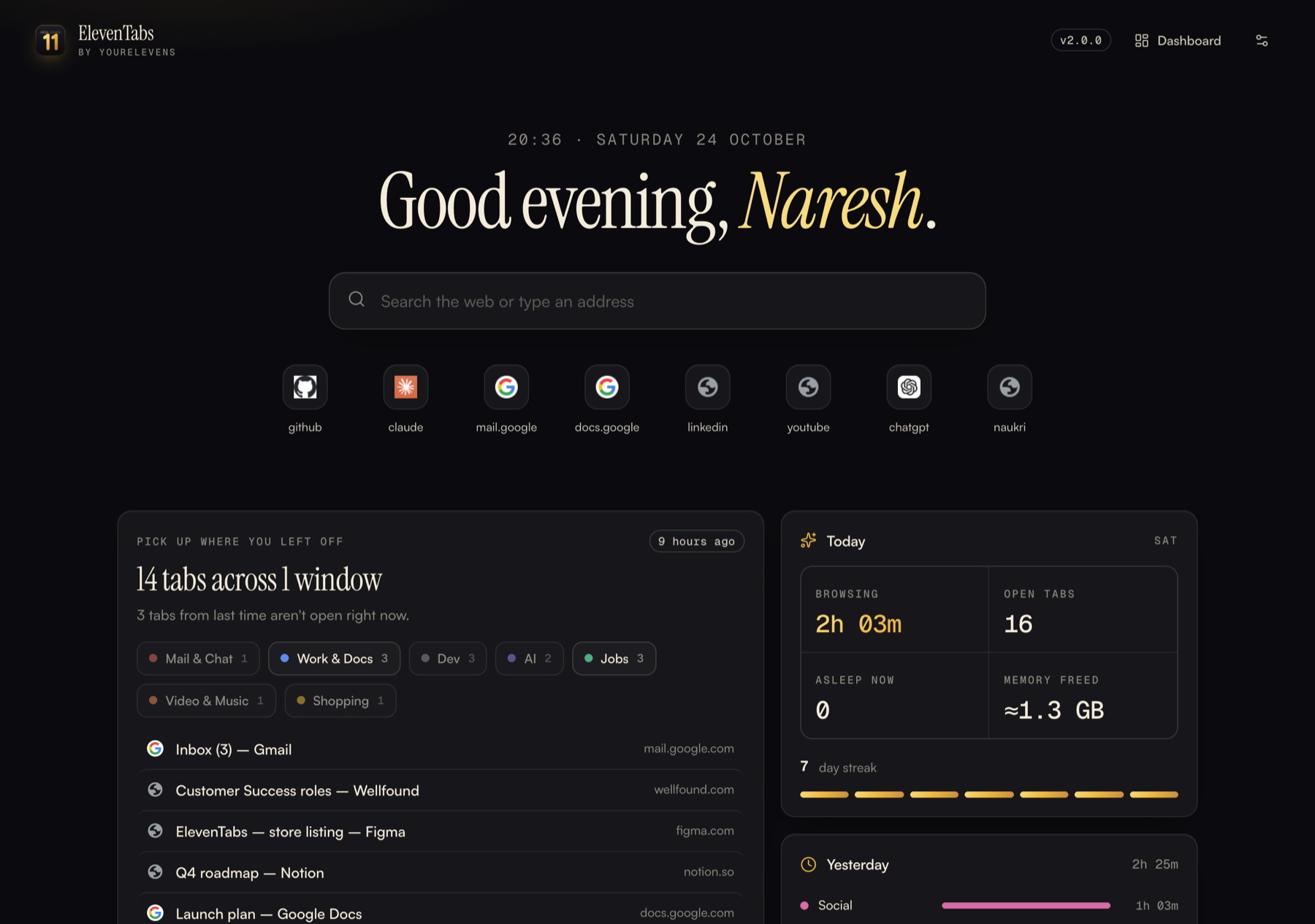
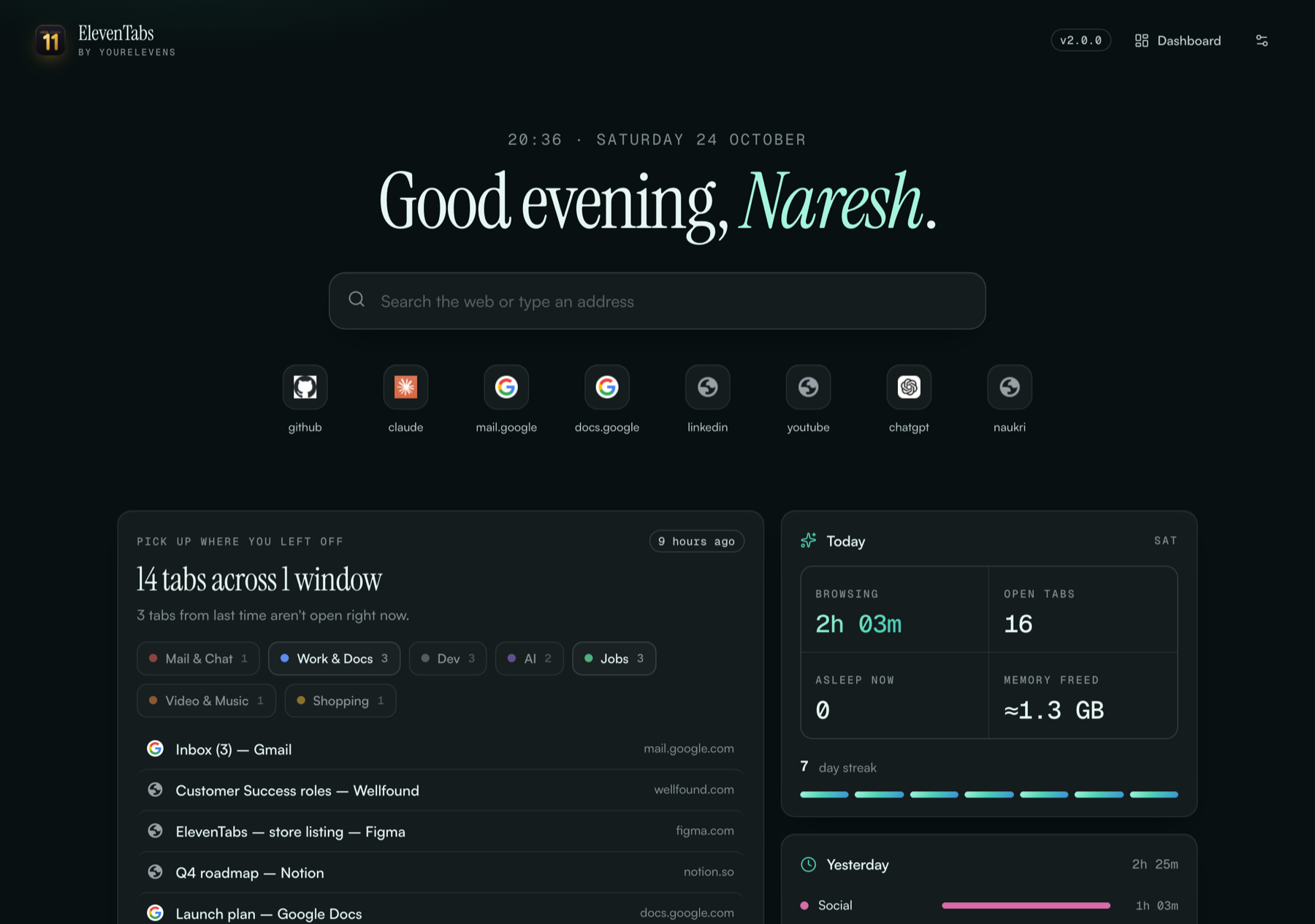
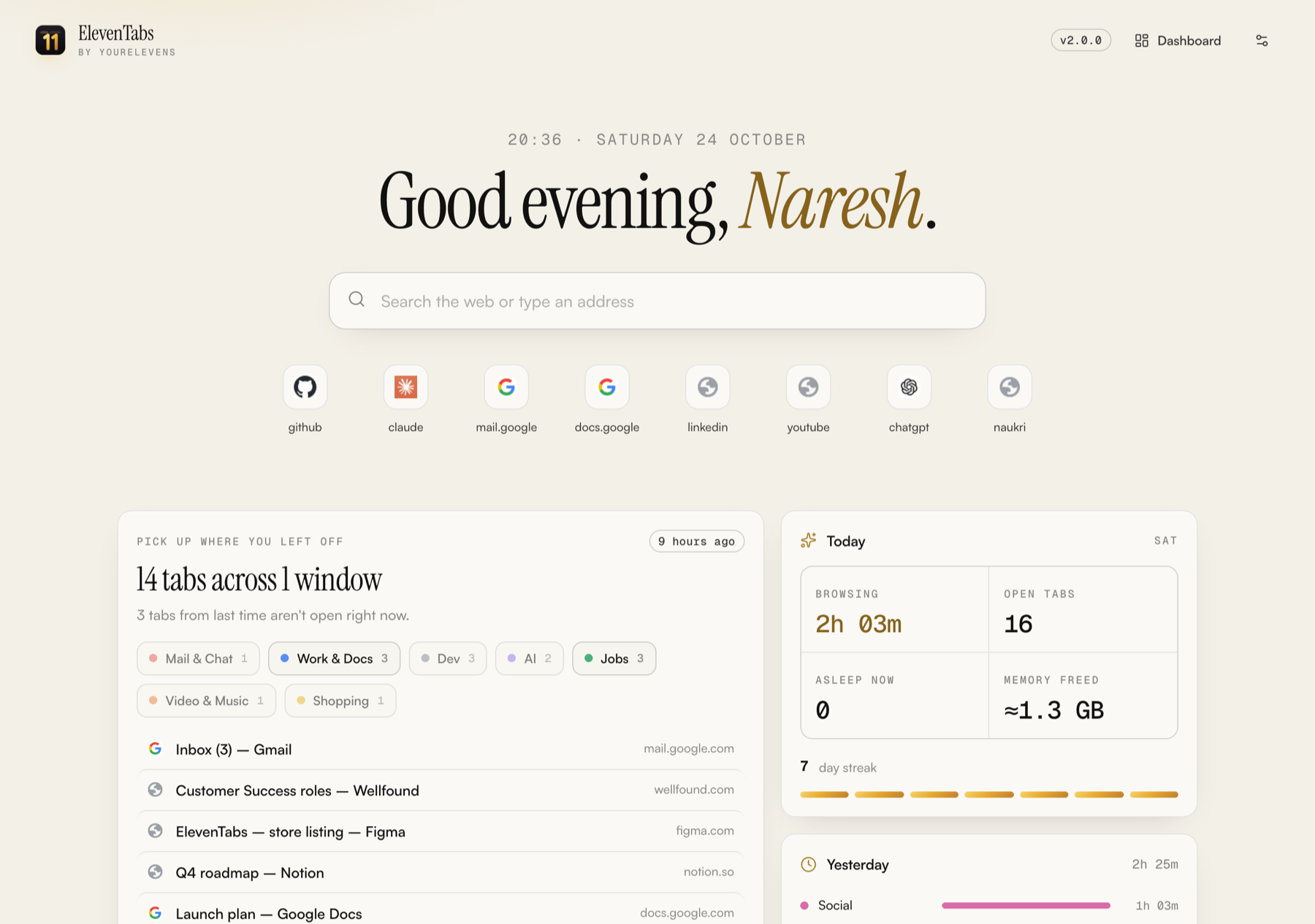
Open Chrome and ElevenTabs greets you with exactly where you left off. Then it quietly sorts tabs into colour groups, puts idle ones to sleep, and dresses everything in a theme you love. No servers. No accounts. Nothing leaves your computer.
Mail & ChatWork & DocsDevAIJobsSocialVideo & MusicShoppingMoney
0network requests
0servers or accounts
9theme packs
1click to pick up where you left off
What it does
Everything your browser should do already.
Welcome back, every time
Each time Chrome starts, ElevenTabs shows what you had open, grouped the way you left it. Restore everything, one group or a single tab. You also get a search bar, your top sites, today's numbers, a streak and yesterday's recap.
Auto tab groups
Every tab lands in the right colour group: Mail, Work, Dev, AI, Jobs, Social. Groups you make yourself are never touched.
Sleeping tabs
Tabs idle for 30 minutes release their memory and wake when you click them. Calls, music and chat stay awake.
Sessions
Park a whole window as "Job hunt" or "Client work" and bring it back later, groups included.
A private dashboard
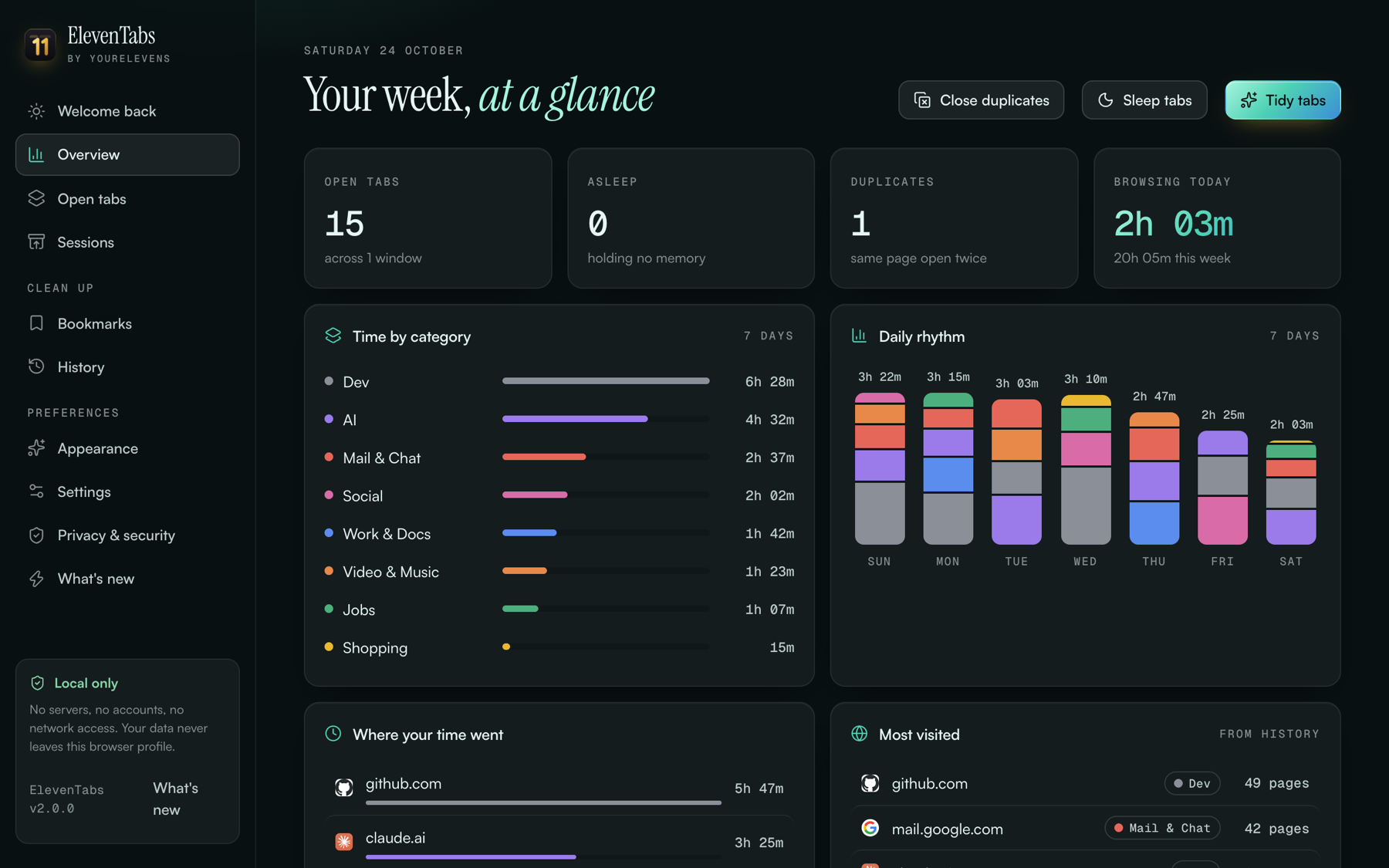
Time by category, your daily rhythm and top sites, computed on your machine and never uploaded.
Yours to shape
Rename categories, pick colours, add your own sites and reorder groups. Export your setup and share it with your team.
Bookmarks & history
Build a sorted copy of your bookmarks without touching the originals. Clear login and OTP junk from history after you review it.
Theme engine
Nine moods. One click.
Pick a theme pack, let it change with the time of day (Paper in the morning, Sunset in the evening, Gold at night), or set your own accent colour. Every ElevenTabs page switches instantly.
ElevenTabs is built so it can't leak your work data. These limits are enforced by Chrome itself.
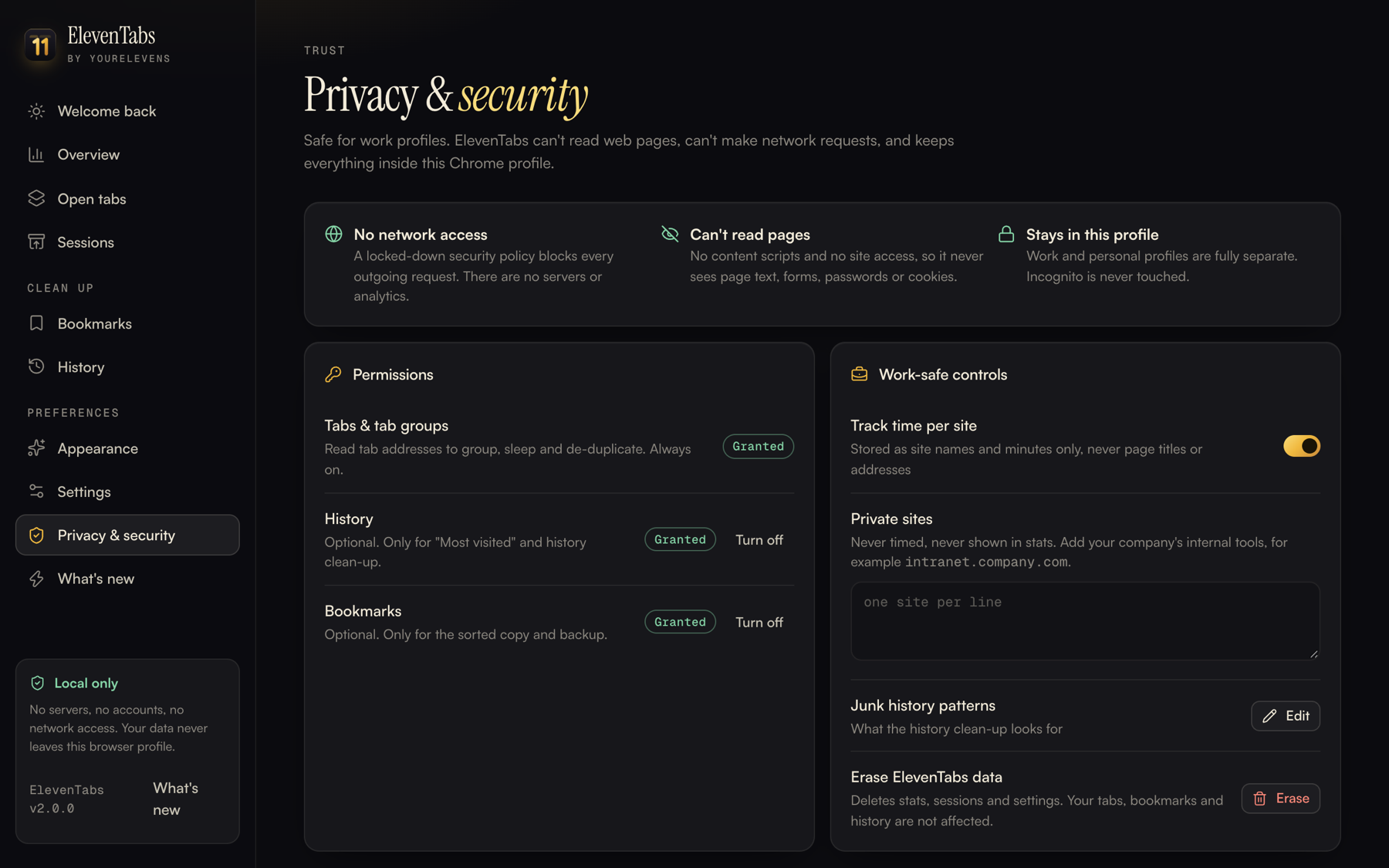
No network access at all. A strict security policy blocks every outgoing request, so there's nowhere for data to go.
Can't read web pages. There are no content scripts and no site access, so it never sees email text, documents, forms, passwords or cookies.
Minimal permissions. History and bookmarks are off by default. Chrome asks you before ElevenTabs can use them, and you can switch them off at any time.
Private sites list. Add your company's internal tools and they are never timed or shown in stats.
Profile-isolated. Work and personal Chrome profiles keep separate data. It never runs in Incognito.
Open source. Every line is on GitHub for you or your IT team to review.
Privacy & security
One click away
Eleven, in your toolbar.
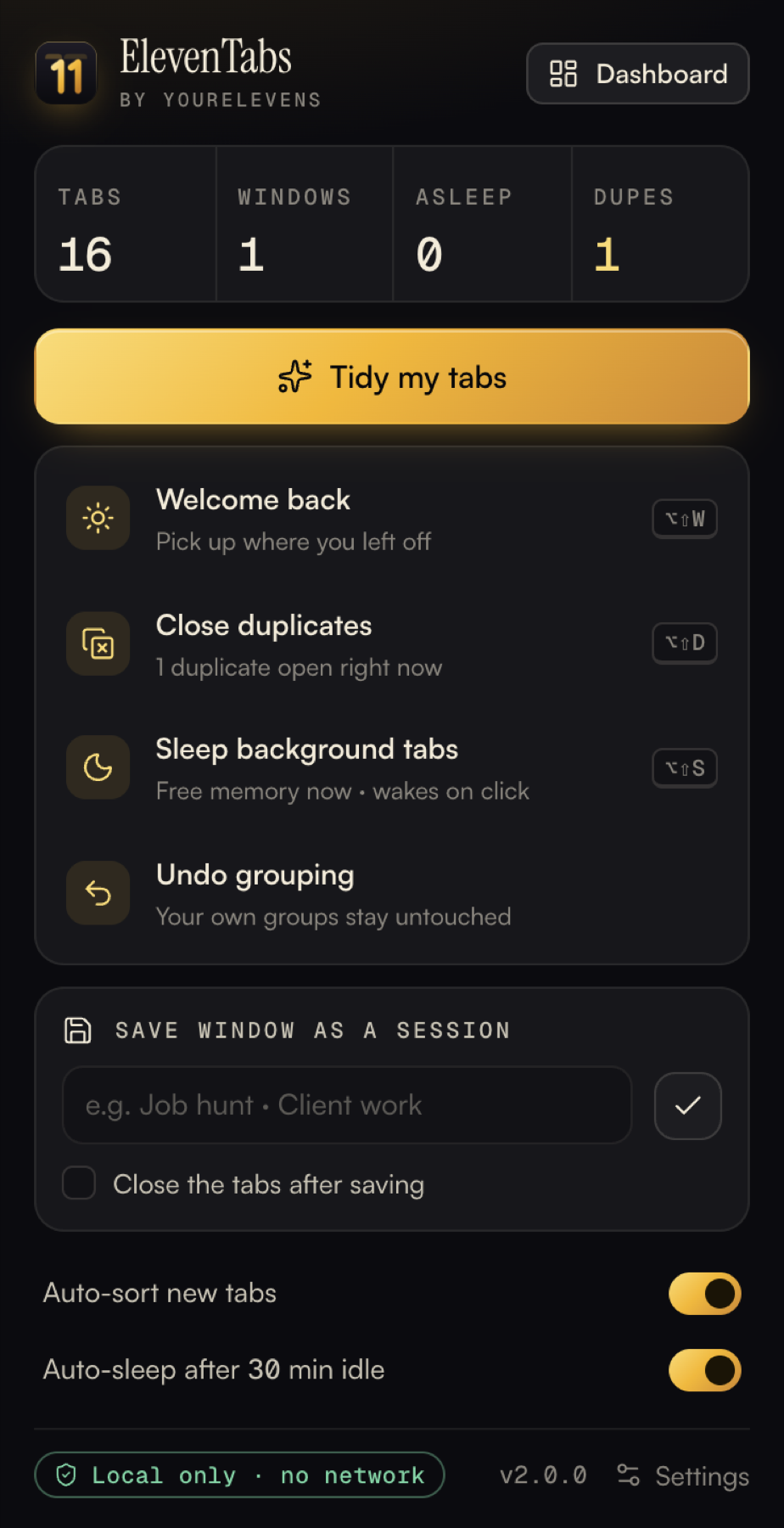
Live counts of tabs, sleeping tabs and duplicates, with one gold button that tidies everything. Shortcuts too:
⌥⇧W Welcome back⌥⇧G Tidy tabs⌥⇧D Close duplicates⌥⇧S Sleep tabs
On Windows use Alt + Shift.
Install
Ready in two minutes.
ElevenTabs isn't on the Chrome Web Store yet, so it's added in developer mode. That's safe and takes four steps. Latest: v2.0.0 · all versions & what changed
DownloadGet eleventabs-v2.0.0.zip and unzip it. Move the eleventabs folder somewhere it can stay, like Documents.
Open extensionsPaste chrome://extensions into the address bar.
Developer modeTurn on the Developer mode switch, top right.
Load unpackedChoose the eleventabs folder, then pin it from the puzzle icon.
Updating? Download the new zip, replace your eleventabs folder with the new one, then press ↻ on ElevenTabs in chrome://extensions. Your settings, sessions and stats stay. To check your version, look at the bottom of the popup or go to Dashboard → What's new.
Coming from Tab Butler? Remove Tab Butler first, then install ElevenTabs. It's the same extension under a new name.
Questions
Good to know.
Can I use it in my work Chrome profile?
Yes. It can't read pages and has no network access, so work content can't leave your computer. Each profile keeps its own data. If your company manages Chrome, IT may block extensions installed in developer mode. In that case, ask them to allow it (the code is open for review), or wait for the Chrome Web Store listing.
Does Welcome back replace my new-tab page?
No. It opens once when Chrome starts, and from the popup or ⌥⇧W. Your normal new-tab page stays. Switch it off from the page itself or in Settings.
Will it close my tabs or lose my work?
No. Sorting only moves tabs into groups. A sleeping tab stays in place and reloads when you click it, the same as Chrome's Memory Saver. Tabs are only closed when you press "Close duplicates" or "Close all" yourself.
Will it mess up the tab groups I already have?
Never. ElevenTabs only manages groups named after its own categories. Groups you create are left exactly as they are.
What data does it store?
Your settings, saved sessions and minutes per site name, stored in this Chrome profile only. Page titles and full addresses are never stored for stats. "Erase ElevenTabs data" wipes it all in one click.
Chrome shows "Disable developer mode extensions". Is that a problem?
That's Chrome's standard notice for extensions installed outside the Web Store. Dismiss it and ElevenTabs keeps working.
How do I remove it?
Open chrome://extensions and click Remove. Your tabs, bookmarks and history stay as they are.
How do I know which version I have?
It's shown at the bottom of the popup, on the Welcome back page and in Dashboard → What's new. Every version and its download are listed on the versions page.